CMCheck RE
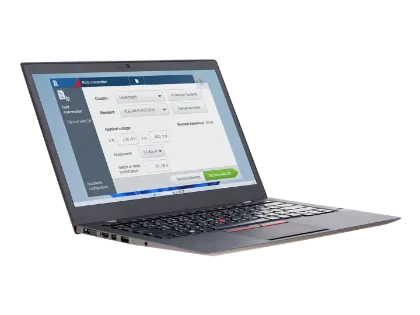
Designed to test loss-of-mains protection in PV systems
Use an intuitive interface with minimal setup effort
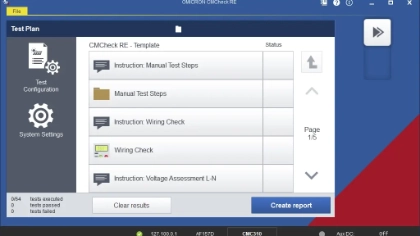
Benefit from automated test plan generation and execution
Select grid code standard to fulfill the required test scope
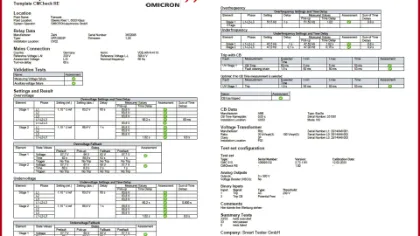
Automatically generate compact test reports with all relevant data
CMCheck RE for DER Protection Testing
The CMCheck RE software for the CMC 310 enables efficient testing for distributed energy resource (DER) protection. It is specifically designed for testing loss-of-mains (LoM) functions within anti-islanding protection schemes.
The software automates test routines and supports voltage, frequency, rate of change of frequency (RoCoF), and vector shift protection functions. Fast setup, intuitive operation, and minimal training requirements ensure efficient workflows and support compliance with grid standards.
It also enables you to generate compact test reports that include all relevant data.
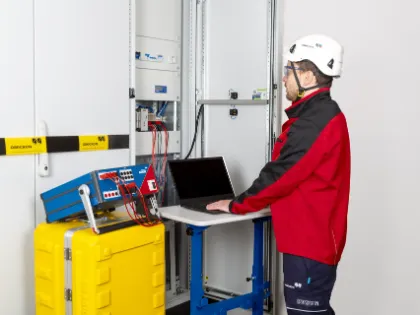
Where This Product Is Used
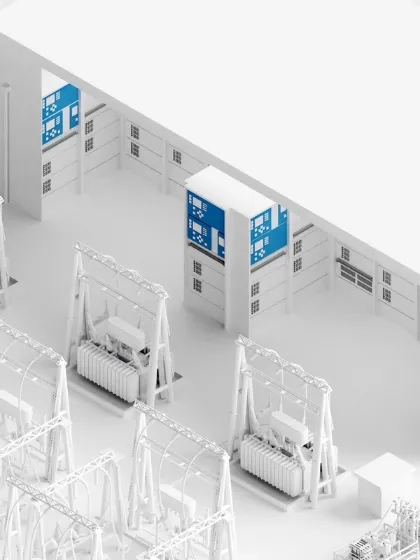
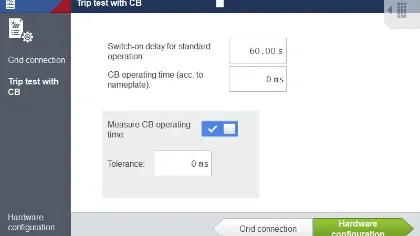
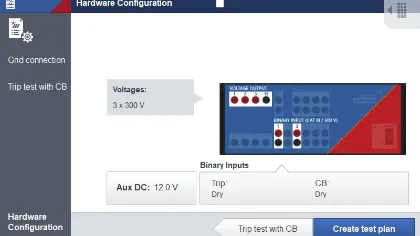
Efficient Testing in 5 Guided Steps
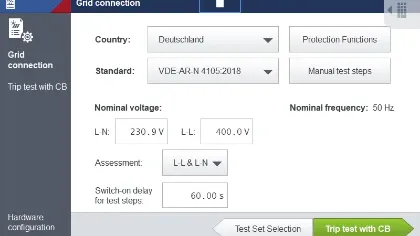
System Information
Operation requirements:
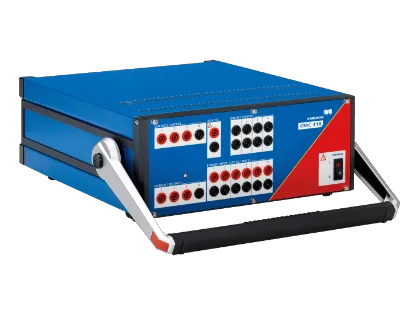
The CMCheck RE software requires a CMC 310 test set for operation.
To control the CMC 310 with CMCheck RE, you need:
- A Windows PC with Windows 10 (64-bit) or newer
- For a wired connection between PC and CMC 310: Ethernet cable or USB cable
- For wireless connection: Wireless USB adapter
(see CMC 310 Ordering Information)
Supported national standards:
- VDE-AR-N 4105 and 4110
- TOR-Erzeuger
- ENA EREC G99 (successor of G59)
- IEEE 1547*
* In preparation
Benefits
For Users at Any Experience Level
The CMCheck RE software simplifies anti-islanding testing for photovoltaic systems, regardless of experience level. It features clear, standards-based workflows aligned with national requirements. Simply select the relevant standard and, if necessary, adjust the prefilled parameters. The following configuration supports the complete trip chain, including the circuit breaker.
Once the test is initiated, automated sequences execute all relevant steps with continuous feedback. Upon completion, the software generates compact reports, with detailed results for each available test step if required.
Setting sheet parameters enable compliant test plans to be generated
Eliminates the need to disable protection functions or change parameters
Uses industry-standard terminology and logical test sequencing
Includes the circuit breaker’s final trip test
Related Products
What options are available for purchasing the CMCheck RE software?
The CMCheck RE software is available as part of the CMC 310 Solar Package or as a standalone option.
For details, refer to the CMC 310 Ordering Information.
Where can I download the CMCheck RE software?
You can download CMCheck RE in the OMICRON Customer Portal. The software is available under the Software section of your CMC 310 test set.
For the best experience, we recommend using the latest version of the CMCheck RE software.
Can I use the CMCheck RE software to perform tests beyond the listed standards?
For additional standards or your own standards, please contact us. We are happy to create a test according to your needs.
You can use the Contact Form in the OMICRON Customer Portal or write an email to: support@omicronenergy.com
How can I get started if I am not familiar with the CMCheck RE software?
Reading the CMCheck RE user manual is one option, which you can find in the OMICRON Customer Portal.
You can also attend a training program at one of the OMICRON Academy training centers.
Need help deciding?