Reliable Support
when It Matters Most
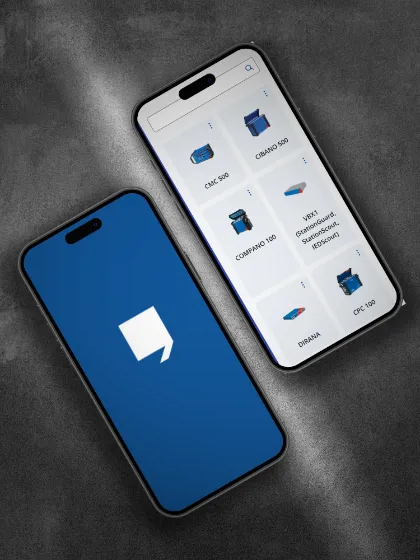

Before You Contact Us
How to Get the Best Support
at OMICRON
A few details can help us understand your inquiry faster and reduce follow-up questions. If possible, please prepare the following information when reaching out. This helps our experts analyze your inquiry more efficiently and provide proper guidance.
What to prepare:
- Product name and serial number
- Software name and version
- Short description of the inquiry
- Error messages or screenshots
- If available, please include log files, configuration files, photos, or screen recordings.
Our Support Approach
What You Can Expect from Us
Fast, structured problem solving
We work systematically to understand the situation, identify the cause, and define the next steps.
Engineer to engineer support
Our OMICRON experts support customers with deep product knowledge and application expertise.
Attention to detail
We look closely at technical details to provide practical, precise guidance.
24/7 Support Network
Global Expertise, Close to our Customers
With experts around the world, OMICRON provides technical support as close as possible to customers by combining global expertise with regional presence and broad language coverage.
- Support for operating our test sets and software
- Assistance during measurements and result analysis
- Guidance for technical questions related to installations
- Expert support for complex and challenging applications
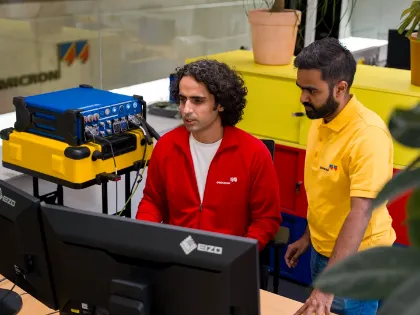
Our Team
Meet the People Behind OMICRON Technical Support
Our technical support team combines product expertise, application knowledge, and practical experience to help customers solve technical inquiries efficiently.
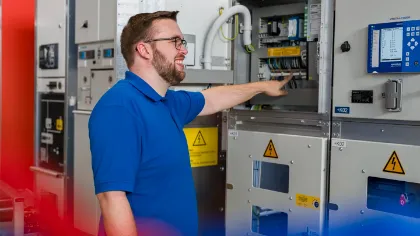

Local Support
Find Technical Support
Near You
Connect with OMICRON experts and partners worldwide.
How can I contact OMICRON technical support?
You can contact OMICRON Technical Support via the customer portal, email, or phone. Contact details are available on our website, depending on your region.
Is OMICRON Technical Support available 24/7?
Yes, OMICRON provides 24/7 technical support for urgent product issues, so you can speak directly to an engineer when immediate assistance is necessary.
What information should I prepare before contacting support?
Please provide product details, serial number, software version and a clear description of the issue. If available, include test files, logs, or screenshots to support analysis.
Do I need a customer portal account to receive support?
No, you can contact Technical Support without an account. However, a Customer Portal account provides additional functions, such as tracking requests, and resource access.
How long does it take to receive a response to a support request?
Response times depend on a request’s priority and complexity. We are committed to responding promptly based on urgency, with an initial response to submitted support requests within 24 hours.
Can I attach files when submitting a support request?
Yes, you can attach relevant files such as test data, logs, or screenshots to help us analyze and resolve your request more efficiently.