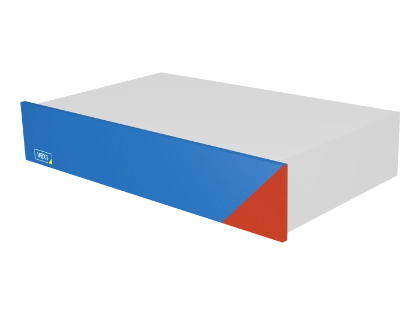
The Power of the MBX and RBX – Virtualized
This virtualized platform completes our cybersecurity and testing system portfolio. The VBX enables flexible scaling and deployment wherever and whenever you need it by allowing you to select and maintain your own hardware. Easily upgrade your existing infrastructure with intrusion detection, substation automation system testing, and functional monitoring built into your substations or SCADA networks.
Benefits
Virtualized Power for Maximum Flexibility
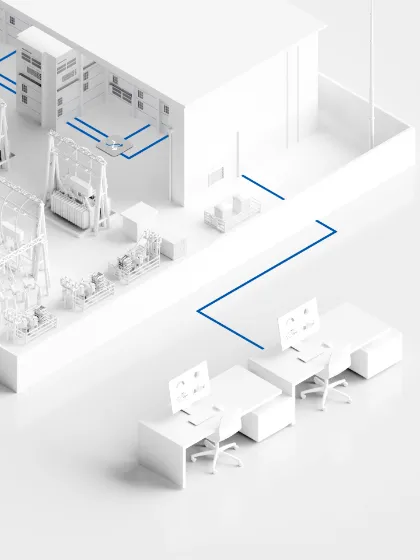
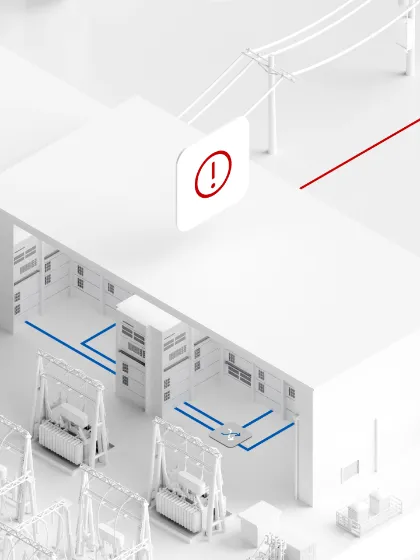
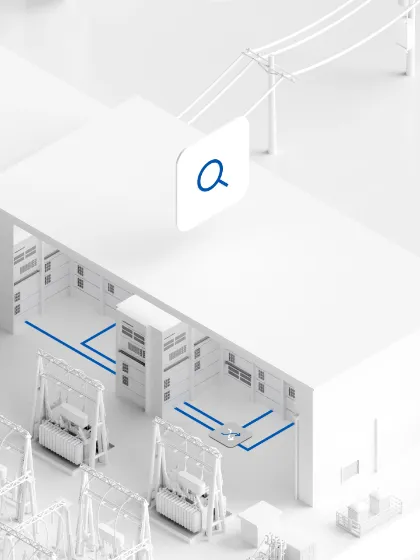
VBX brings the proven capabilities of OMICRON’s *BX platforms into a fully virtualized environment. It enables flexible deployment of cybersecurity, testing, and monitoring applications directly on existing infrastructure in substations or control centers. With fast setup, easy scaling, and simplified maintenance, the VBX adapts to changing requirements without additional hardware. This makes the VBX the ideal solution for integrating advanced IEC 61850 applications into modern, virtualized environments.
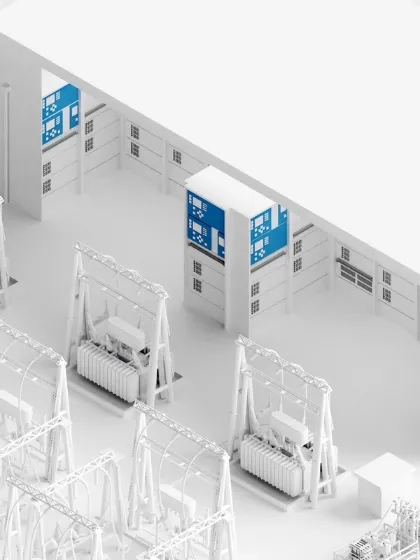
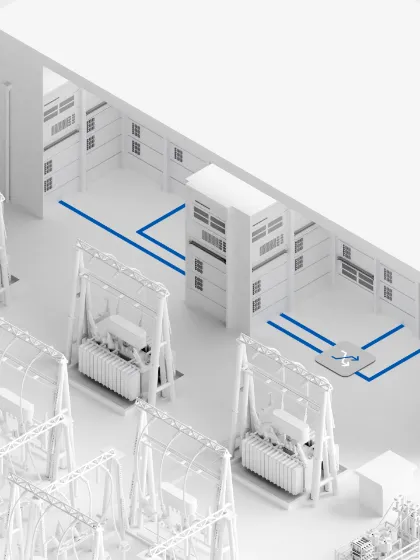
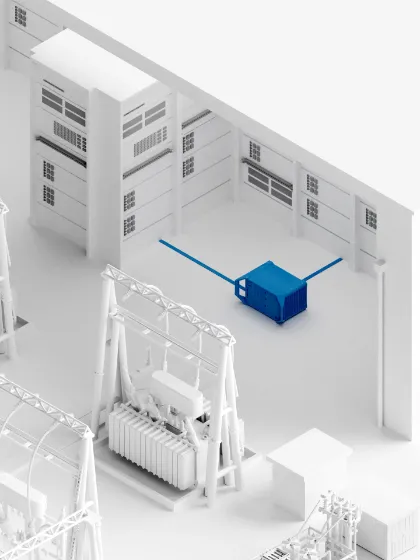
- Deploy testing and cybersecurity solutions in existing substation infrastructure
- Fast setup and easy scaling without the need for dedicated hardware platforms
- Flexible integration into substation and SCADA environments
- Reduced maintenance effort with centralized and virtualized management
- Run IEC 61850 testing, monitoring, and intrusion detection on one platform
Where This Product Is Used

Technical Specifications
Available Wherever and Whenever
Use your existing IT infrastructure to run the VBX efficiently. Define performance based on your needs and scale resources as required.
- Supported host systems (CPUs)
- Intel Xeon
- Intel Core
- AMD x64
-
Hypervisors
Supported- VMware vSphere 7.0 or higher (recommended)
- VMware ESXi 7.0 or higher
Compatible (not tested)
- VMware Workstation 16.2 or higher
- Oracle VirtualBox 7.0 or higher
If other hypervisor support is required, please contact us.
- Minimum virtual machine settings
- 2 cores
- 8 GB RAM
- Hard disk size and speed:
- 10 GB solid-state drive (SSD) for StationScout
- 60 GB solid-state drive (SSD) for StationGuard
- 10 000 IOPS (random 4 K)
- 100 MB/s (sequential)
- 1 Ethernet port for the control (CTRL) interface
- 1 Ethernet port for the substation interface (up to 8 ports are supported)
- Recommended virtual machine settings
- 4 cores
- 16 GB RAM
- Hard disk size and speed:
- 100 GB solid-state drive (SSD) for StationScout
- 500 GB solid-state drive (SSD) for StationGuard
- 20 000 IOPS (random 4 K)
- 400 MB/s (sequential)
- 1 Ethernet port for the control (CTRL) interface
- 1 Ethernet port for the substation interface (up to 8 ports are supported)
Platform Options
The Right Platform for Every Need
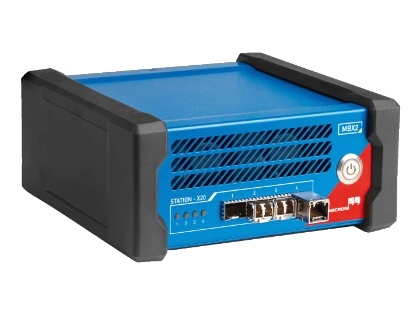
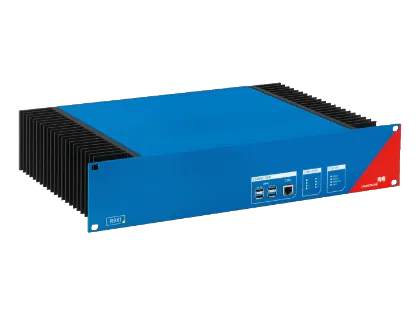
Are you afraid to connect a PC to your substation system? Or do you need to simulate several IEDs? Our platform options are more than a regular PC: With their special network interfaces, secure crypto processors (TPM), and their rugged design, they are ideal for substation use.
| MBX Mobile and DIN rail mountable | RBX Permanently installed | VBX Virtualized |
|
|
|
| Download Technical Data | Download Technical Data | Download System Requirements |
Related Products
OMICRON Academy
Related Trainings
- IEC 61850 – Basics and ApplicationsClassroom Training+1 date availableSeats available
- 2 days
- Australia (Perth CBD), Bahrain (Training Center Manama)
- IEDScout, StationScout, ISIO 200, VBX, MBX
- English
- CEI 61850 – Test et concept d'ingénierie des systèmes dans les postes numériquesClassroom Training+2 dates availableFew seats remain
- 2 days
- Online, France (Training Center Cergy-Pontoise)
- IEDScout, StationScout, ISIO 200, Test Universe, RelaySimTest, DANEO 400, MBX, VBX
- French
- IEC 61850 – Grundlagen und AnwendungenClassroom TrainingFully booked
- 3 days
- Germany (Training Center Erlangen)
- IEDScout, ISIO 200, StationScout, VBX, MBX
- German
- IEC 61850 – Systemkonfiguration und Prüfen in digitalen SchaltanlagenClassroom TrainingSeats available
- 3 days
- Germany (Training Center Erlangen)
- IEDScout, ISIO 200, StationScout, Test Universe, RelaySimTest, DANEO 400, VBX, MBX, CMC 850, CMC 430, CMC 310, CMC 500
- German
- Norme CEI 61850 – Bases et applicationsClassroom Training+1 date availableSeats available
- 2 days
- France (Training Center Cergy-Pontoise)
- IEDScout, StationScout, ISIO 200, MBX, VBX
- French
Can the VBX be integrated into existing IT and OT infrastructure?
Yes, the VBX is designed to run on existing computing platforms and can be integrated into both substation (OT) and control center (IT) environments without additional hardware.
What are the system requirements for running the VBX in a virtualized environment?
VBX can be deployed on standard virtualization platforms in substations or control centers.
How does the VBX ensure secure operation in virtualized environments?
VBX benefits from both OMICRON’s secure software design and the underlying virtualization platform. It supports secure deployment, controlled access, and integration into existing cybersecurity concepts.
How does the VBX compare with dedicated hardware platforms like MBX or RBX?
VBX offers maximum flexibility and scalability by using existing infrastructure, while the MBX and the RBX provide dedicated hardware with physical isolation and deterministic performance for substation environments.
When should I use the VBX instead of a hardware-based solution?
VBX is ideal when existing infrastructure is available, scalability is required, or centralized management is preferred. Hardware platforms are better suited to environments that require strict isolation or fixed installations.
Can the VBX handle large-scale and multi-substation deployments?
Yes, the VBX can be easily scaled by allocating additional resources or deploying multiple instances, making it suitable for both centralized and distributed multi-site architectures.
How does the VBX handle backup and recovery during deployments?
VBX supports standard virtual machine snapshots and backups, enabling fast recovery, easy duplication, and simplified system management.
Which OMICRON software can be deployed in the VBX?
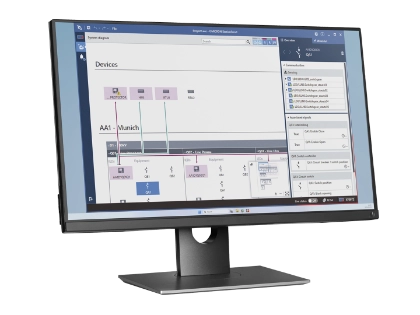
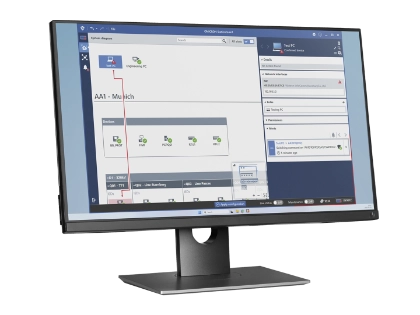
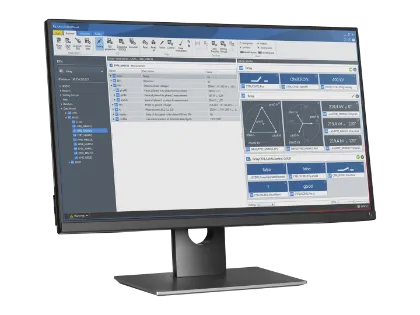
VBX supports applications such as StationScout, IEDScout, StationGuard, and GridOps, enabling testing, monitoring, and cybersecurity functions on a single virtualized platform.
Need help deciding?